API Keys & Auth
Managing Organization and System-level API Keys.
API Keys & Authentication
The Payment Gateway provides a two-tier API key model for secure integrations:
- Organization API keys for organization-scoped operations
- System API keys for global administrative automation
Both use Bearer authentication (Authorization: Bearer sk_<id>.<secret>).
Organization API Keys
Organization API keys are the standard mechanism for integrating your trusted server-side runtimes with the gateway.
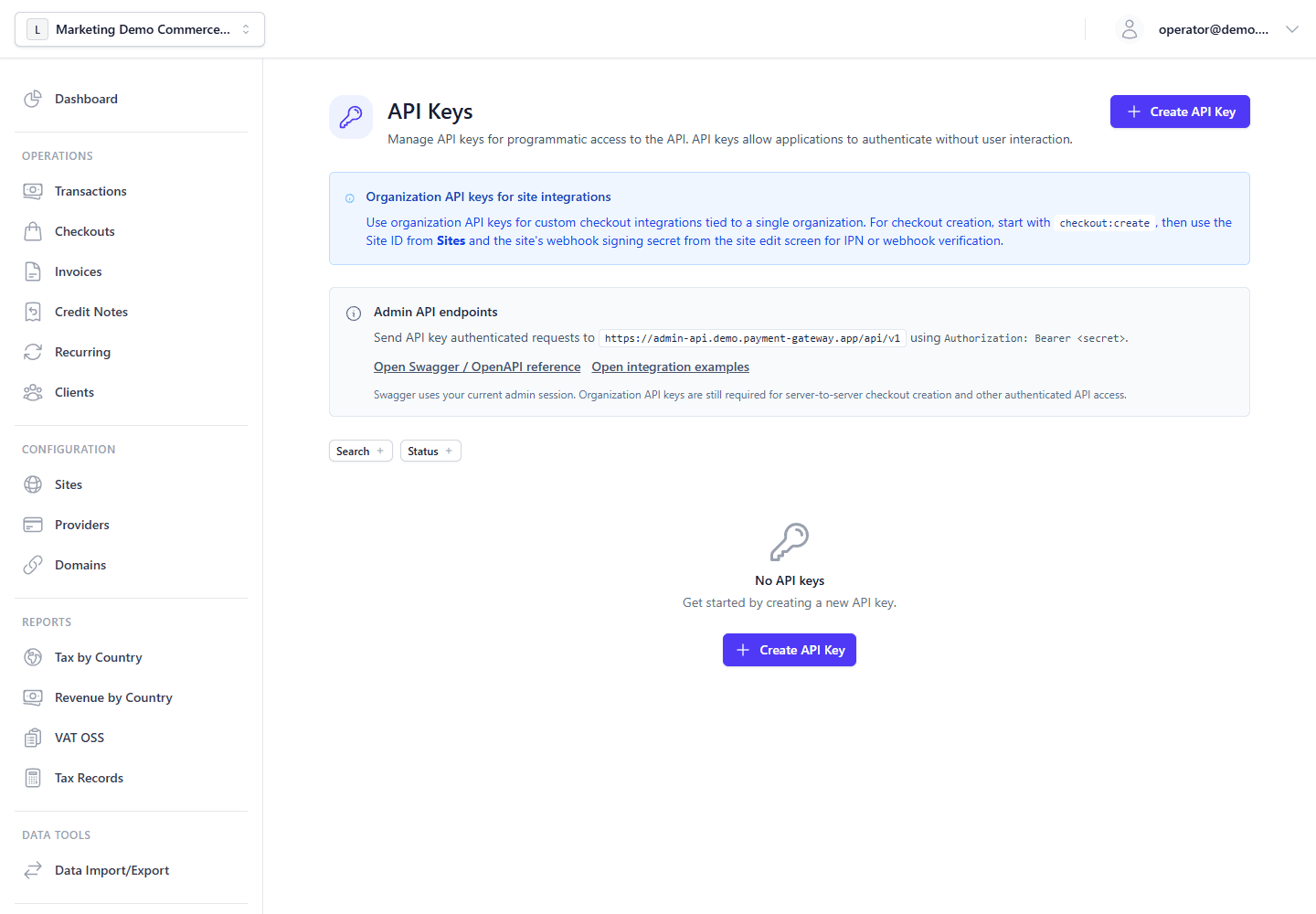
- Navigate to Settings > API Keys in the Admin panel.
- Click Create Key and assign it specific, least-privilege scopes.
- Use the generated secret token to authenticate requests meant for your Organization (e.g., creating Checkouts, refunding Transactions, or querying Clients).
Scope Model
Scopes follow resource:action.
Valid actions are:
createreadupdatedeleteexecute*
Examples:
checkout:createtransaction:readinvoice:updatedata_io:executeportal:create
Common least-privilege patterns
- Create checkout links:
checkout:create - Recurring schedule management:
invoice:read,invoice:create,invoice:execute - Background customer portal direct-login links:
portal:create
Organization API keys are already scoped to one organization, so integrations should not send X-Organization-ID alongside the key. The backend resolves the organization from the key automatically. For JWT/session-based admin dashboard flows, organization context comes from the route :orgId parameter when present, otherwise from the selectedOrganization cookie maintained by the admin frontend.
Recurring schedules are part of the invoice scope family. Use invoice:* scopes for recurring operations rather than inventing a separate recurring:* scope.
Customer portal direct-login links are intentionally isolated under portal:create instead of organization:execute. This lets trusted server-side automations mint one-time portal magic links without also receiving broad access to organization settings.
When creating portal magic links through the Admin API, integrations may optionally request a shorter ttlMinutes value. The backend will cap that value to the system portal magic-link TTL, so API clients cannot extend link lifetime beyond platform policy.
System API Keys
For advanced self-hosted operations, System API keys allow high-level administrative orchestration.
These keys are managed by users with global-admin permissions and transcend individual organizations. They are used for:
- Provisioning entirely new Organizations programmatically.
- Managing global system settings and defaults.
- System-wide health monitoring and auditing.
[!CAUTION] Treat all API keys like passwords. Never expose them in browser/mobile client code. Store them in a secrets manager (for example, HashiCorp Vault, AWS Secrets Manager, or equivalent).
Key Lifecycle and Rotation
To support security best practices, the gateway provides lifecycle management for all keys:
- Rotation: You can generate a new secret for an existing key ID, allowing for zero-downtime credential rotation.
- Revocation: If a key is compromised (e.g., leaked in source code), you can instantly revoke it, rendering it immediately invalid across the distributed system.
- Deletion: Permanently remove keys you no longer need.