Organizations & Users
Guide to managing your top-level tenant, inviting users, and securing accounts with Passkeys.
Organizations & Users
The Payment Gateway is a multi-tenant platform.
- Organization = legal/business tenant (company-level boundary)
- Site = operational unit inside an organization (storefront, brand, market, or channel)
Organisation Limits by Tier
| Tier | Organisations included | Additional orgs |
|---|---|---|
| Starter | 1 | 250 EUR / org / year |
| Professional | 1 | 250 EUR / org / year |
| Business | 5 included | 250 EUR / org / year |
Sites per organisation are unlimited for Professional and Business tiers. Starter includes up to 3 sites per organisation.
Everything else (users, API keys, transactions, invoicing settings, exports) is scoped through this model.
Managing Your Organization
When you log into the Admin Dashboard, your active Organization determines the data you see. If you are an administrator for multiple organizations, you can seamlessly switch between them using the organization selector in the navigation menu.
Organization Profile
Under Organizations, you can manage the core identity of your company:
- Name: Your internal display name.
- Support Email: The contact email provided to your customers during disputes or inquiries.
Note: Legal details, tax references, and addresses used for invoicing are configured separately under Settings > Invoicing.
Multi-Organization Operations
One deployment can host multiple organizations.
This is useful if you run:
- multiple legal entities,
- regional business units,
- or separate customer projects requiring data isolation.
Operators with access to more than one organization can switch context from the dashboard and work inside the selected scope.
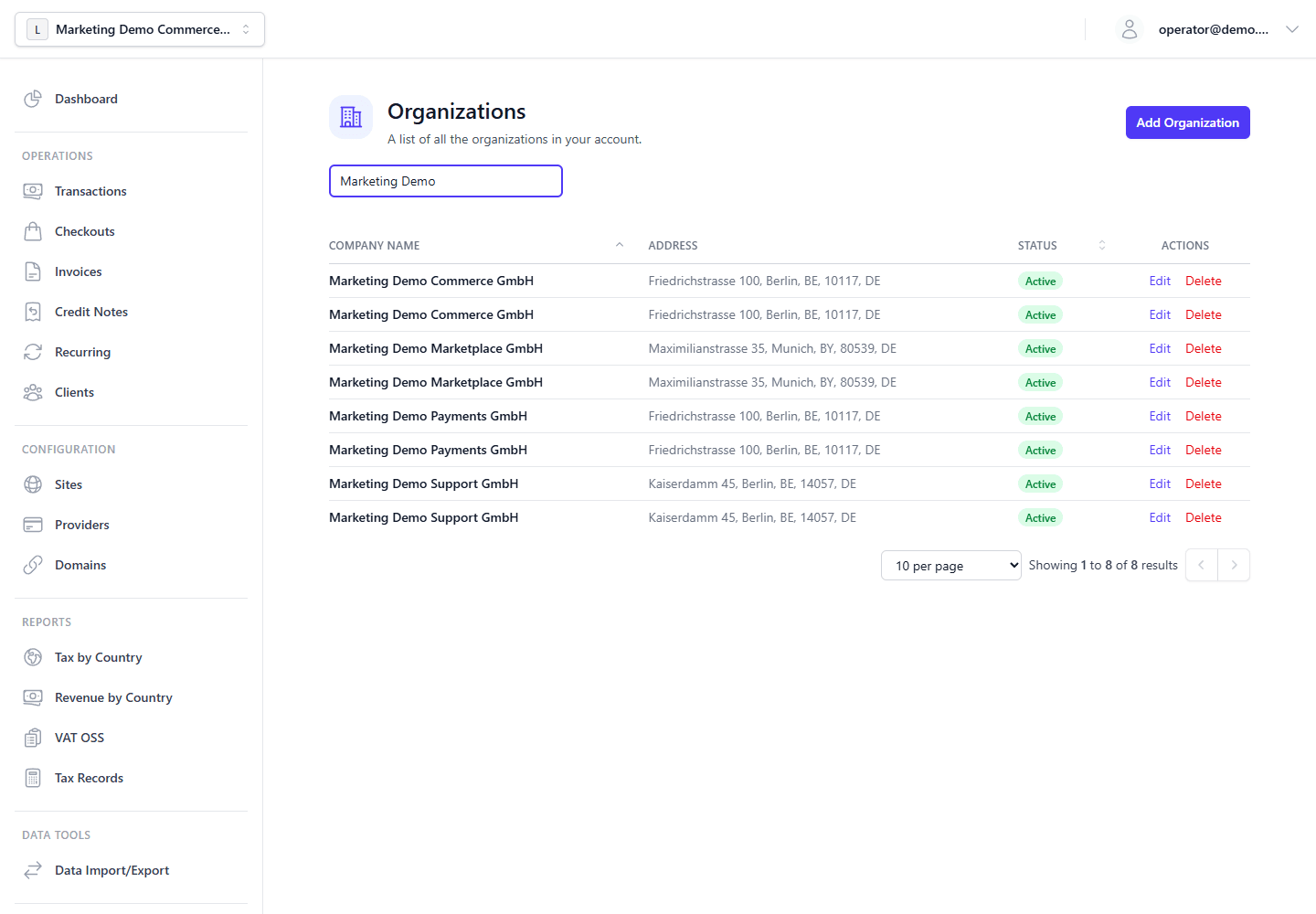
Organization Offboarding
Global admins offboard organizations from Organizations with a guided workflow instead of a simple destructive delete.
The workflow:
- previews related records across organization-owned collections,
- offers an optional redacted ZIP export before cleanup,
- revokes memberships and organization API keys immediately,
- soft-deletes the organization, sites, providers, domains, templates, and recurring schedules,
- moves the organization from the active list into the Offboarding tab with cleanup status and restore availability,
- schedules eligible cleanup after a grace period or runs eligible cleanup immediately,
- keeps invoices, credit notes, invoice sequences, and tax records protected by default.
Normal offboarding confirmation shows the organization name and ID as context instead of requiring retyping. The admin can add an optional audit reason. For protected statutory records, the admin can choose to retain them, apply legal-safe anonymization, or use a break-glass purge with an additional confirmation checkbox. The compatibility delete API uses the conservative default: access revocation and soft-delete now, eligible cleanup after the default grace period, and protected records retained.
During the delayed cleanup grace period, global admins can restore an offboarded organization from the Offboarding tab. Restore clears deletion metadata and restores memberships and configuration records captured in the offboarding run. Organization API keys stay revoked after restore and must be rotated or recreated.
Offboarding does not delete user accounts. It only removes their membership in the offboarded organization, because the same user can belong to other organizations. User deletion remains a separate user-management workflow.
User Management
The Users section allows you to invite team members to your Organization and assign them roles.
Roles & Permissions
- Admin: Full access to the Organization. Can invite other users, alter global settings (like Tax and Retention rules), and manage API Keys.
- Support: Designed for customer service representatives. Can view and manage Transactions, issue Refunds (Credit Notes), and manage Clients, but cannot alter core infrastructure or tax settings.
- Viewer: Read-only access to Transactions and Dashboard analytics.
Account Security: Passkeys (WebAuthn)
To ensure the highest level of security for financial data, the platform natively supports Passkeys (WebAuthn).
- Navigate to your Profile in the bottom-left corner.
- Select Add Passkey.
- Follow your browser or device prompts to register a biometric (Touch ID / Face ID) or hardware token (YubiKey).
Once registered, you can log in instantly and securely without relying solely on passwords. For administrators managing high-volume transactions, hardware-backed Passkeys are strongly recommended.