Transactions
View and manage the lifecycle of customer payments and authorizations.
Transactions
A Transaction represents the financial movement, authorization, or pending provider flow captured during a Checkout session.
You can monitor payment volume under the Transactions section.
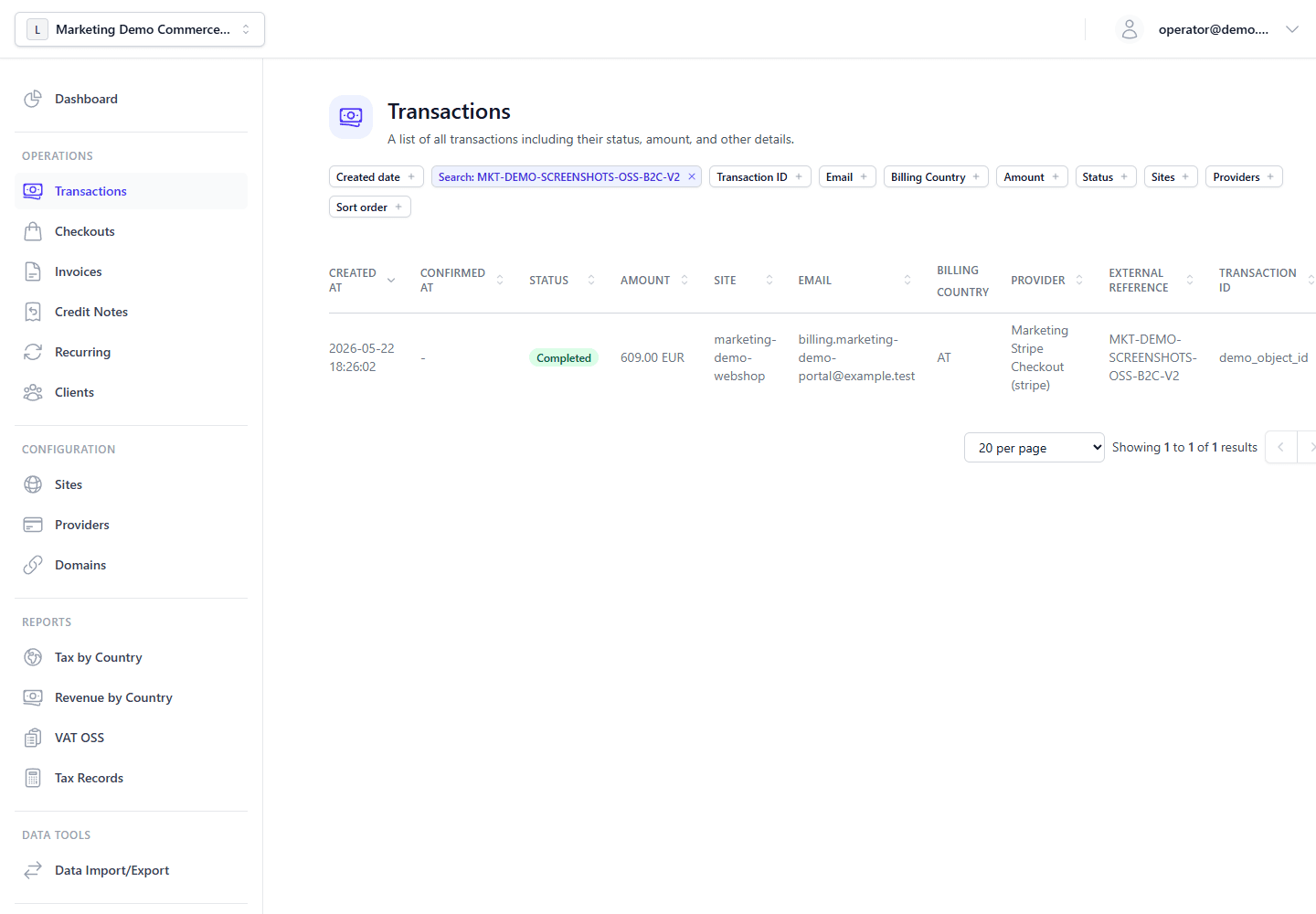
Transaction Lifecycle
The Transactions list and detail views use these labels: Initiated, Pending, Completed, Failed, Canceled, Refunded, and Disputed. The Admin API, exports, and outbound IPN payloads use integer status codes instead of these display names:
| Admin UI label | Status code |
|---|---|
| Canceled | -2 |
| Initiated | -1 |
| Pending | 0 |
| Completed | 1 |
| Failed | 2 |
| Refunded | 3 |
| Disputed | 4 |
Transactions flow through several definitive states:
- Initiated (
-1): The customer has opened the Checkout page and the gateway has created the local transaction or provider payment object, but the payment is not final. - Pending (
0): Used for asynchronous payment methods such as bank transfers, mandates, redirects, or provider flows that settle later. - Completed (
1): The funds have been captured or the provider has confirmed successful settlement. Any linked invoice reflects that settlement through payment state and settlement totals. - Failed (
2): The provider rejected the payment attempt. - Canceled (
-2): The customer, operator, timeout, or provider flow canceled the attempt before completion. - Refunded (
3): The original successful transaction has been fully refunded. Partial refunds keep the transaction linked to refund events and settlement totals. - Disputed (
4): A chargeback or dispute was recorded against a completed payment. Operators see this status in the Admin Panel; linked invoices can show dispute state separately.
Analyzing Transaction Logs
By clicking a specific transaction, you can inspect:
- Timeline events: Provider interactions and status changes.
- Tax evidence: Stored buyer location proof and tax decision data used for EU VAT OSS and reporting.
- Provider raw data: The unstructured JSON payload or provider response used for debugging webhook and settlement issues.
- IPN information: When an IPN URL was set on the checkout, the transaction stores the configured listener URL, attempt count, delivery outcome, and last HTTP status from the Main Backend's outbound IPN delivery.
When the transaction is linked to a stored Client, the detail view also provides a direct Client profile link so operators can jump into the full relationship history.
Operational Actions
Support and admin staff can directly operate eligible transactions:
- Refund: Requests the provider to return funds. When an invoice is linked, the platform records refund settlement data and generates the credit note that offsets the original invoice without mutating it.
- Void / cancel: Cancels an authorization or pending flow before final capture.
- Manual status updates: Used for provider-independent flows such as wire payments, with IPN dispatch available when explicitly requested.
[!NOTE] Refunding a transaction is an immutable action. The backend updates refund totals, refund events, tax adjustments, and linked credit-note side effects with atomic MongoDB update operations so repeated or concurrent requests cannot silently mutate the original payment record.
The same refund workflow can also be launched from the Invoice screen when exactly one refundable transaction is linked. In that case, the Invoice screen opens the same refund form and submits the same transaction refund operation rather than introducing a separate invoice-only refund engine.