Payment Providers
Connect and manage Stripe, Mollie, GoCardless, Wise, PayPal, and wire transfer providers.
Payment Providers
The core value of the Payment Gateway is its unified abstraction layer. You can connect multiple upstream payment processors and utilize them seamlessly through a single internal API.
Connecting a Provider
Navigate to Providers in the sidebar to link a new processor.
Currently natively supported integrations include:
- Stripe: For credit cards, Apple Pay, Google Pay, and localized methods (iDEAL, Bancontact, etc.).
- Mollie: For hosted checkout and supported local payment methods through Mollie payment links and webhooks.
- GoCardless: Optimized for one-off and recurring direct debit flows such as SEPA and Bacs.
- Wise Transfers: For transfer-based payment flows where Wise is your payout/collection rail.
- PayPal: For PayPal checkout and wallet-style payments where PayPal is the upstream processor.
- Wire Transfer: A manual payment method for B2B customers who pay via bank wire. The gateway generates a payment request with the bank details and amount, and the operator manually reconciles the incoming wire against the open transaction.
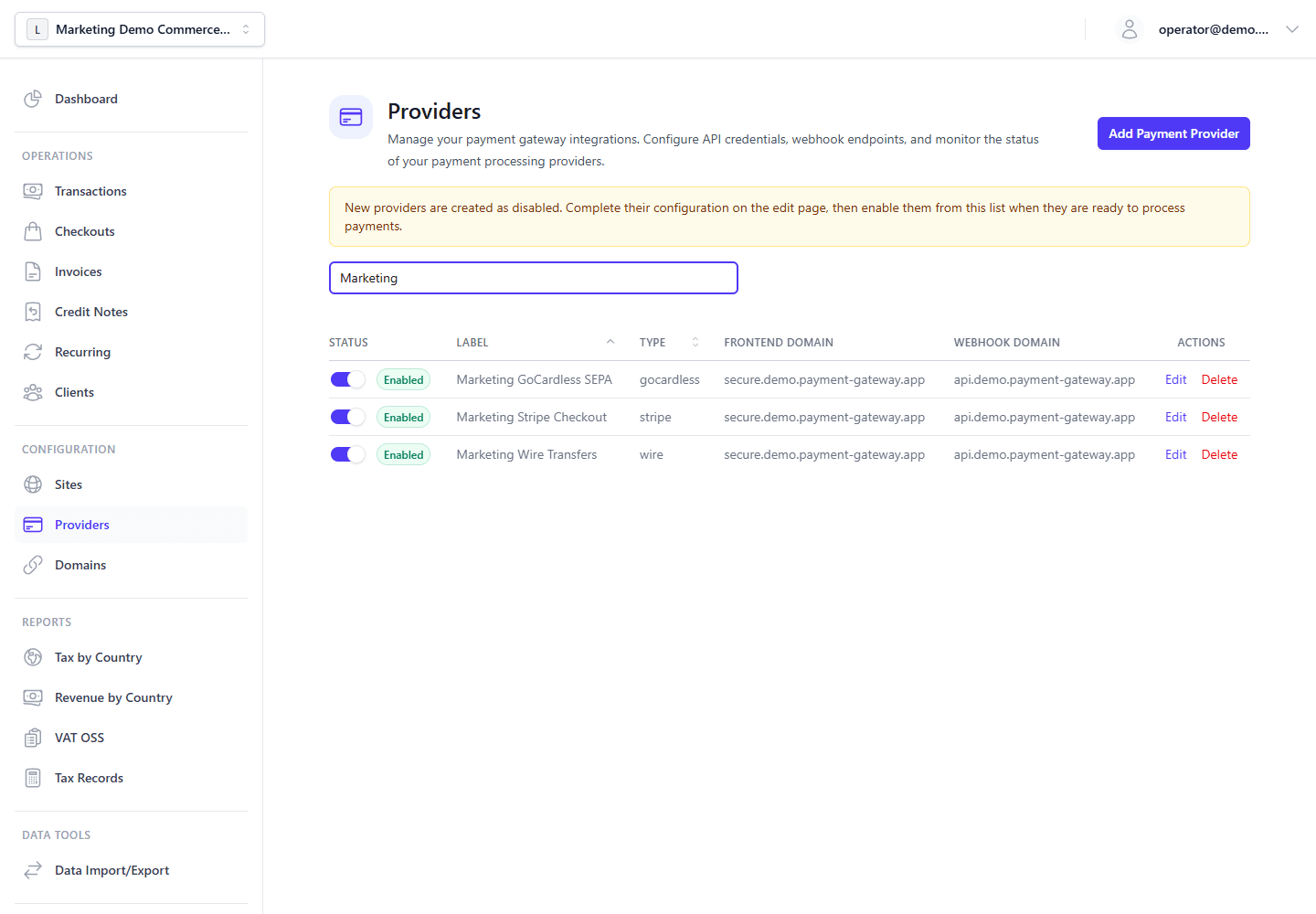
When adding a provider, you will need to supply the upstream API credentials (e.g., the Stripe Secret Key).
[!NOTE] Provider credentials are stored through the configured secret-encryption path and masked after save. Before production, verify encryption is enabled, keys are available to all required services, and existing records have been migrated where applicable.
[!IMPORTANT] For the intended card flows, payment instrument entry is handled through provider-hosted or provider-tokenized components, and gateway services are designed to store transaction metadata and provider references rather than raw PAN/CVC values.
For Stripe, stored records keep PaymentIntent IDs and related transaction metadata. PaymentIntent client secrets are delivered only to the checkout runtime when Stripe Elements needs them and are not stored as durable session or transaction data.
Refund and callback capabilities
Only Stripe supports refund initiation from an eligible receipt-backed transaction in the Admin Panel and Admin API. Mollie, GoCardless, and PayPal can record provider-confirmed return callbacks through their verified webhook paths, but the Admin API does not initiate refunds for them. Wise and wire transfer have no verified external-return recording workflow.
The gateway uses the provider, organization, account, payment, and adjustment identities captured with the transaction. Disabling or unassigning a provider does not erase an already accepted refund intent or unknown reservation. See Refunds and Returns.
PayPal endpoint selection is derived from its canonical sandbox or live mode. Persisted apiBaseUrl overrides are rejected and must be removed during migration. Production does not accept a custom endpoint override or fall back to one.
See Payment Data Boundary for the provider-specific card-entry boundary, transient token handling, and custom checkout extension responsibilities.
Assigning Providers to Sites
Merely linking a Provider to your Organization does not make it active. You must explicitly expose the Provider to specific Sites.
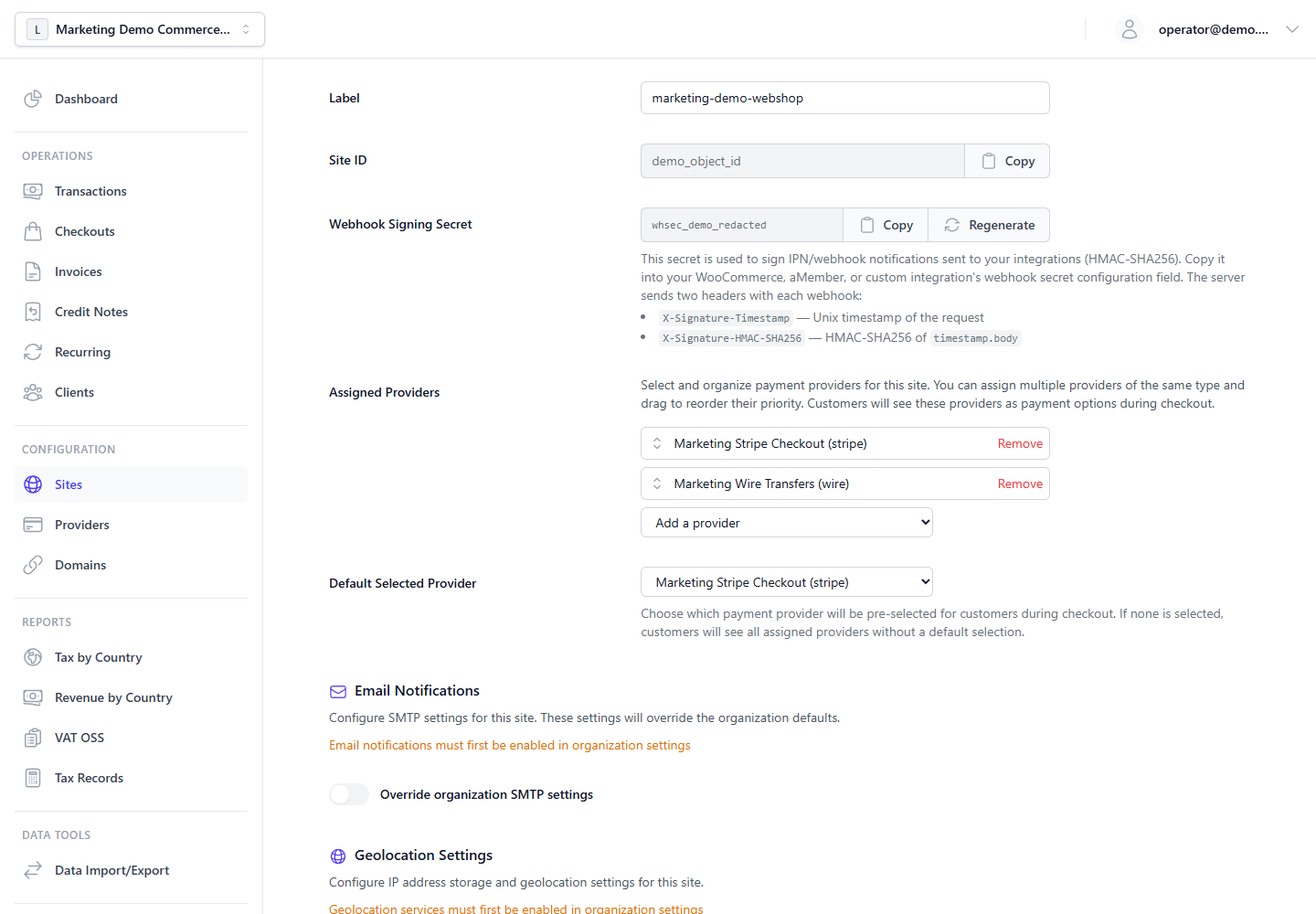
- Navigate to Sites and edit the desired Site.
- In the configuration panel, select which Provider(s) should be available.
- When creating a Checkout Session for that Site, the customer will only be offered the payment methods supported by the assigned Providers.
This architecture allows you to run multiple Stripe accounts under one Organization, safely routing specific product lines to entirely different bank payouts.